
The 5-Minute Fix for Slow WordPress Sites
Estimated reading time: 8 minutes
A slow WordPress site hurts everything: your rankings, your bounce rate, and your conversions. People click away before your page even loads, and Google notices.
The good news? You don’t need to be a developer to speed things up. With a few simple tweaks, you can make your site noticeably faster in about five minutes with this WordPress speed fix.
Step 1: Test Your Current Speed
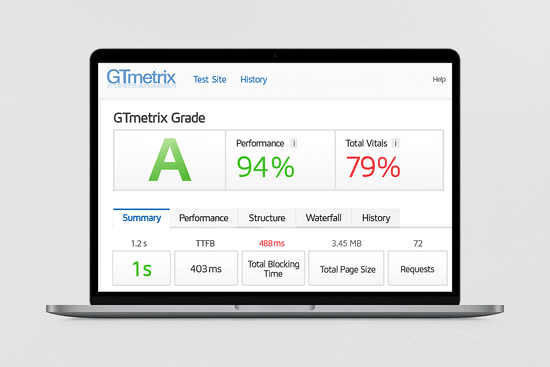
Before fixing, you need a baseline. Use one of these tools:
Check your site speed, page size, and number of requests. Save the results — you’ll compare later.
Step 2: Compress Your Images
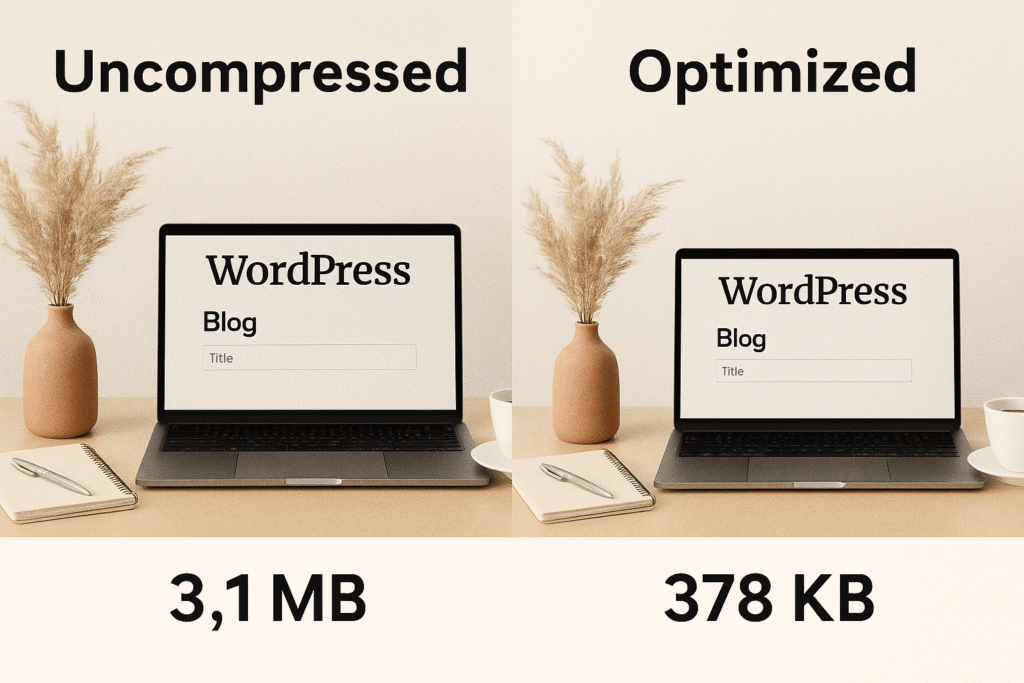
Large images are the #1 cause of slow load times.
Quick fix:
- Install Smush, Imagify, or ShortPixel.
- Bulk optimize all existing images.
- Enable automatic compression for new uploads.
You’ll cut file sizes by 30–70% without losing quality.
Step 3: Add a Caching Plugin
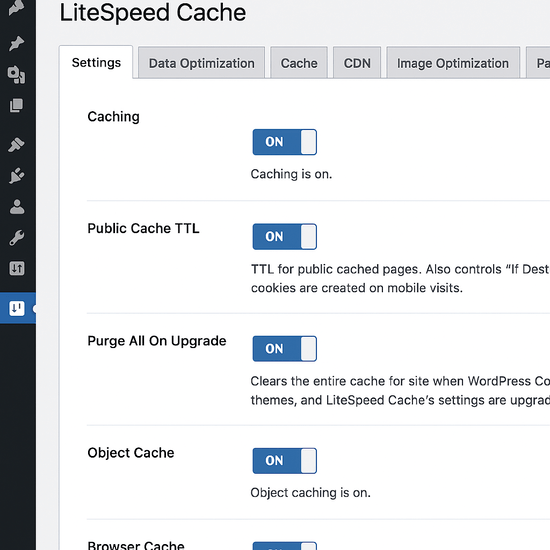
Caching saves static versions of your pages, so your server doesn’t rebuild them every time.
Best free options:
- LiteSpeed Cache (great if your host supports it)
- WP Fastest Cache (simple, quick setup)
After installing, just enable caching and minify CSS/JS if available.
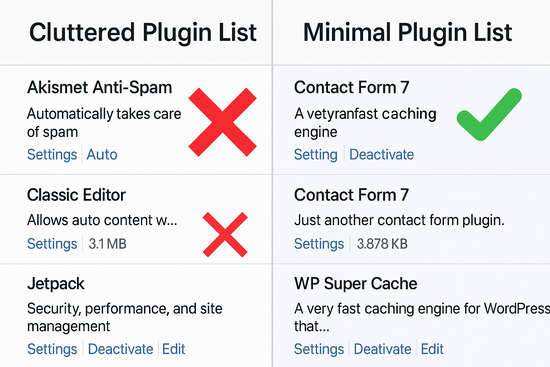
Step 4: Disable Unused Plugins
Too many plugins = slower load times.
- Go to Plugins > Installed Plugins.
- Deactivate anything you don’t actively use.
- Delete it to reduce database clutter.
Think of it as spring cleaning for your site.
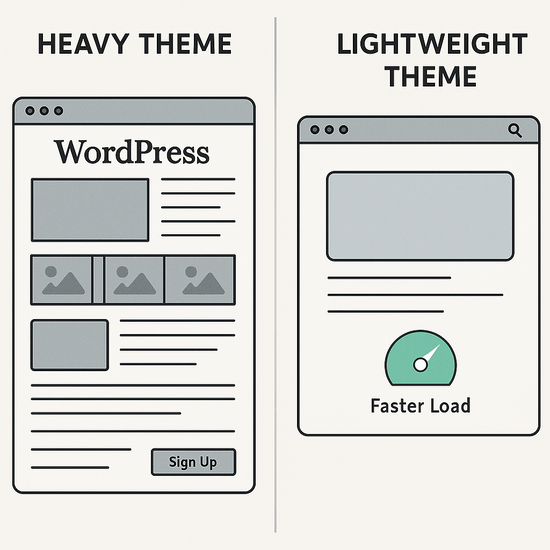
Step 5: Switch to a Lightweight Theme
Heavy themes load extra scripts, sliders, and features you don’t need.
Quick fix:
- Use GeneratePress, Astra, or Kadence.
- Pair it with a simple design and a fast builder like Gutenberg.
This alone can shave seconds off your load time.
Step 6: Retest Your Speed
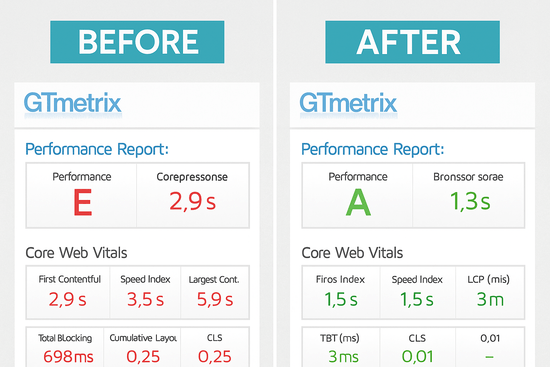
Run your site again in GTmetrix or PageSpeed Insights. You’ll usually see:
- Page size reduced by half
- Load time down by 30–70%
- Better “Core Web Vitals” scores
Faster sites rank better, convert better, and just feel better for your visitors.
Quick Tool Comparison
| Tool | Free Version | Best Use Case | Setup Time |
|---|---|---|---|
| Smush / ShortPixel | Yes | Compressing images | 2 min |
| LiteSpeed Cache | Yes | Works best with LiteSpeed hosting | 3 min |
| WP Fastest Cache | Yes | Simple caching setup | 3 min |
| GeneratePress / Astra | Yes | Lightweight themes | 5 min |
Free versions available; results vary by host and site setup.
Final Thoughts About This WordPress Speed Fix
If you only have five minutes, compress your images and enable caching. That alone can cut load times dramatically.
If you can spare an hour, consider cleaning out plugins and switching to a faster theme.
Your visitors and your conversions will thank you for this WordPress speed fix.
Frequently Asked Questions
Why is my WordPress site loading so slowly?
Usually, it’s big images, too many plugins, slow hosting, or a theme that’s too heavy. Fixing those areas makes a big difference.
What is the fastest way to speed up a WordPress site?
Compress your images, add a caching plugin, and turn off unused plugins. These steps take minutes and give instant results.
Do WordPress themes affect site speed?
Yes. Some themes load lots of extra scripts and features. Switching to a lightweight theme like GeneratePress or Astra can cut load times.
Which free plugins improve WordPress speed?
Smush or ShortPixel handles image compression. LiteSpeed Cache and WP Fastest Cache handle caching. Both are free and quick to set up.
How do I test my WordPress site speed?
Run your site through GTmetrix, Google PageSpeed Insights, or Pingdom. They’ll show you load times, page size, and where to improve.

Hi, I’m Michael Gray.
I built Digital Ease Hub because I was tired of the overcomplicated nonsense out there. Starting an online business shouldn’t feel like solving a Rubik’s Cube in the dark. I learned that the hard way — years of trial, error, and plenty of mistakes I wish I could’ve skipped. My goal now is simple: show you the tools that actually make online business and affiliate marketing easier, so you can focus on building income instead of getting lost in the weeds.
Join Me on the Platform I call home and has shown me how to make success a reality.